
You as a coach · Two-step sign-in
Your client records, behind two steps
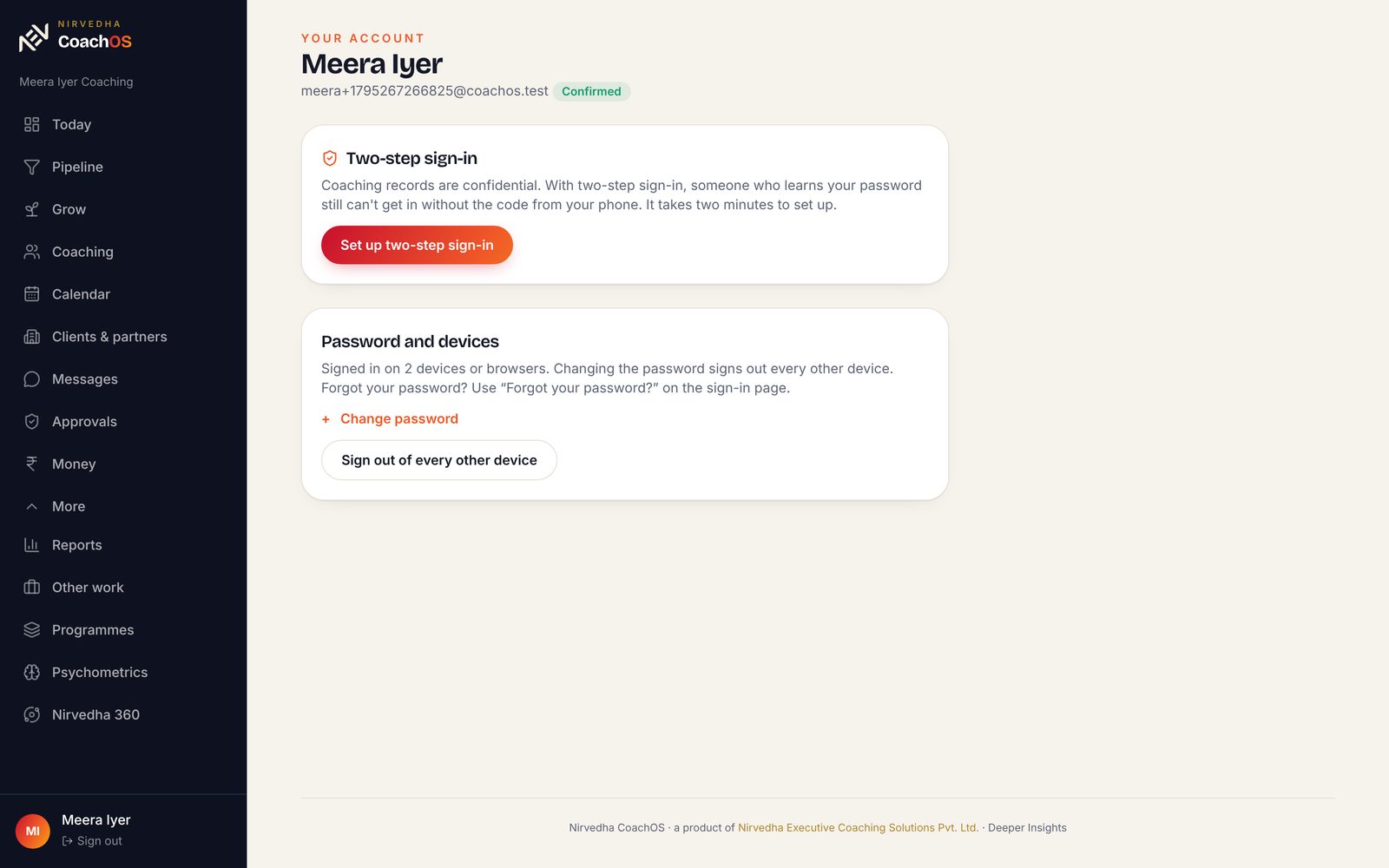
With two-step sign-in on, someone who learns your password still cannot get in without the code from your phone. It takes two minutes to set up.
What it does
Two-step sign-in
Two-step sign-in uses an authenticator app (Google Authenticator, Microsoft Authenticator, 1Password or similar): after your password, CoachOS asks for the six-digit code. A code cannot be used twice. You also get one-time recovery codes, in case you lose your phone.
Sign-in is protected in other ways too: five wrong passwords for one address in 15 minutes stop sign-in for that address for 15 minutes, and you can sign out of every other device in one click.
In Core, and so in the Grow tier too. What each tier costs
How it works
- 1Your account. Open Your account and press Set up two-step sign-in.
- 2Scan the code. In your authenticator app, then enter the code it shows.
- 3Save your recovery codes. Somewhere safe. You can make new ones at any time.
More in You as a coach
Your hours, your credential, your other work, and CoachOS on your phone.