
Set up · Google and Outlook calendars
Your sessions and your calendar, kept in step
Connect Google Calendar or Outlook and it works both ways: sessions set up in CoachOS appear in your calendar, and a meeting with a coachee as a guest becomes their session.
What it does
Google and Outlook calendars
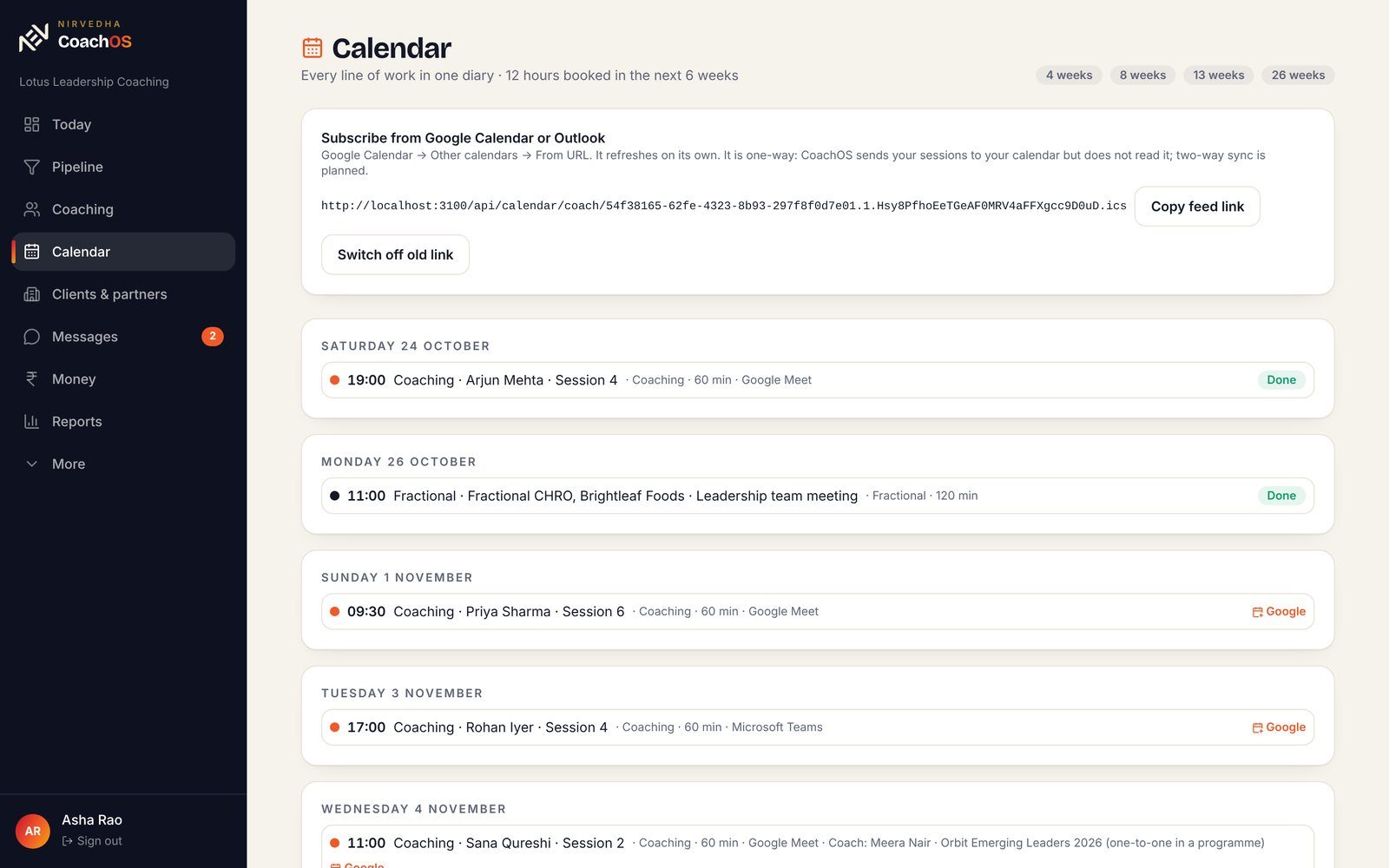
Every upcoming session made in CoachOS gets a block in your calendar, with no guests, so your calendar emails nobody. It moves or goes when you move or cancel the session. Move the block in your calendar and the session moves too; if both moved, the calendar wins.
A calendar event with a coachee of an active engagement as a guest becomes that coachee's session, and where it happens comes from the event: a Meet, Zoom or Teams link, or in person. All-day events and events the coachee declined are left alone.
In Core, and so in the Grow tier too. What each tier costs
How it works
- 1Connect once. Settings → Google Meet, or Settings → Outlook calendar (Microsoft 365 or outlook.com).
- 2Busy means busy. Your booking page treats your calendar events as busy.
- 3Or subscribe to a feed. Every line of work in CoachOS's own calendar, with a feed link for Google Calendar, Outlook or Apple Calendar.
What others see
Your coachee. A calendar feed of their own sessions from their portal, which updates when you move one.
More in Set up
Each engagement set up once, sessions in your calendar, and anything to a sponsor held for your approval.