
Money · Pay online
Clients pay online, straight into your account
Connect your own Razorpay account and every invoice email carries a link to pay by UPI, card or netbanking. The payment is recorded on the invoice by itself. CoachOS takes nothing.
What it does
Pay online
Each link asks for what is still due, less any TDS the client is expected to deduct, and the payment is recorded with that TDS beside it, as a bank transfer would be.
A client abroad pays an invoice in their own currency by card, once you have switched on international payments in your Razorpay account and ticked it in Settings. Razorpay settles rupees to you.
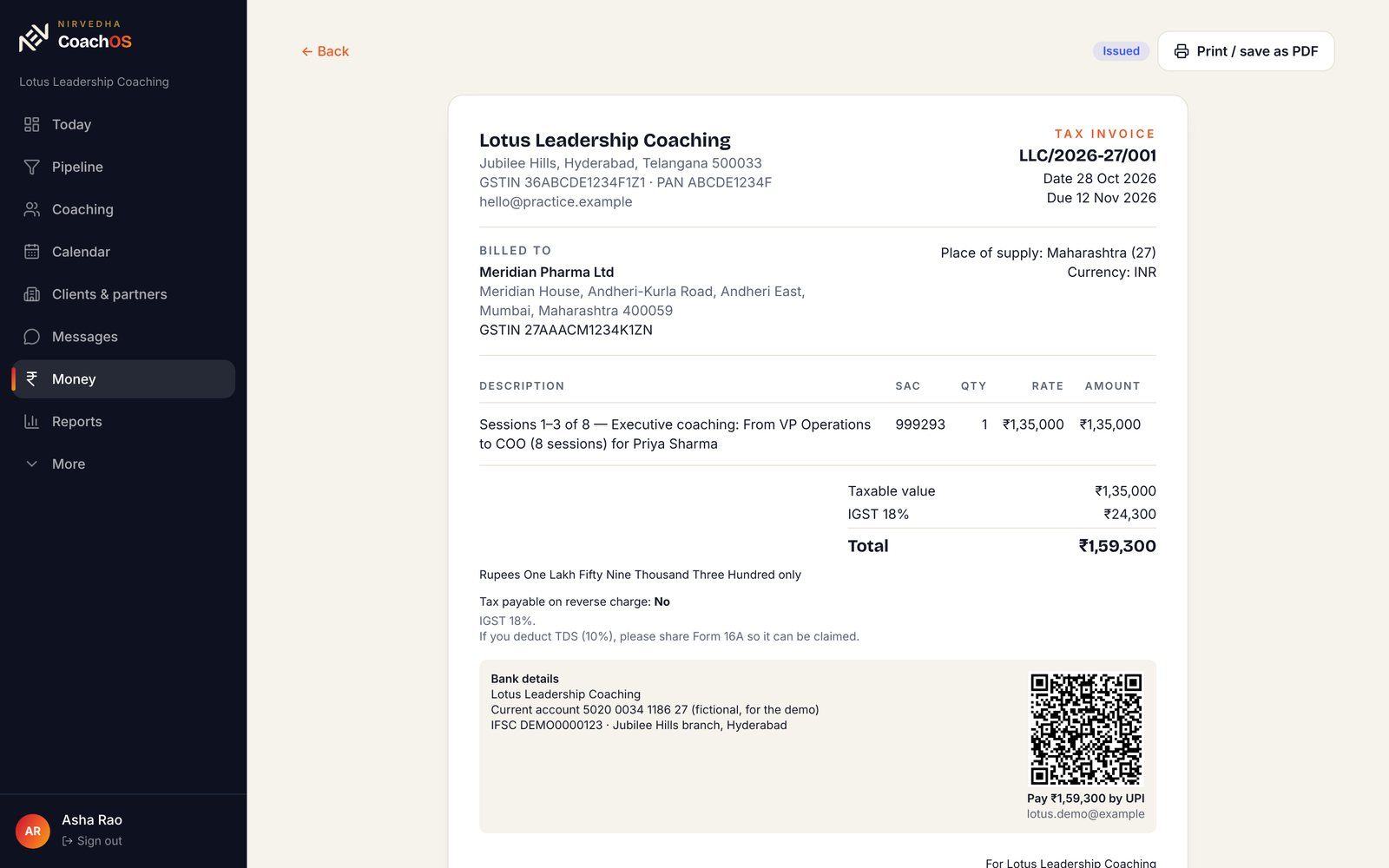
Every invoice can also carry a UPI QR code for the amount due, from your UPI ID.
In Core, and so in the Grow tier too. What each tier costs
How it works
- 1Connect Razorpay. Settings → Pay online: a key from your Razorpay account, and a webhook so payments come back.
- 2Send the invoice. The link goes with it.
- 3Paid. The payment appears on the invoice and in Money.
What others see
Your client. A Razorpay payment page for the amount due: UPI, card or netbanking.
More in Money
GST invoices from the payment plan, a link to pay online, and the register for your accountant.