
← Nirvedha CoachOS
Grow · Comments and prospects
Comments worth posting, and first messages that fit
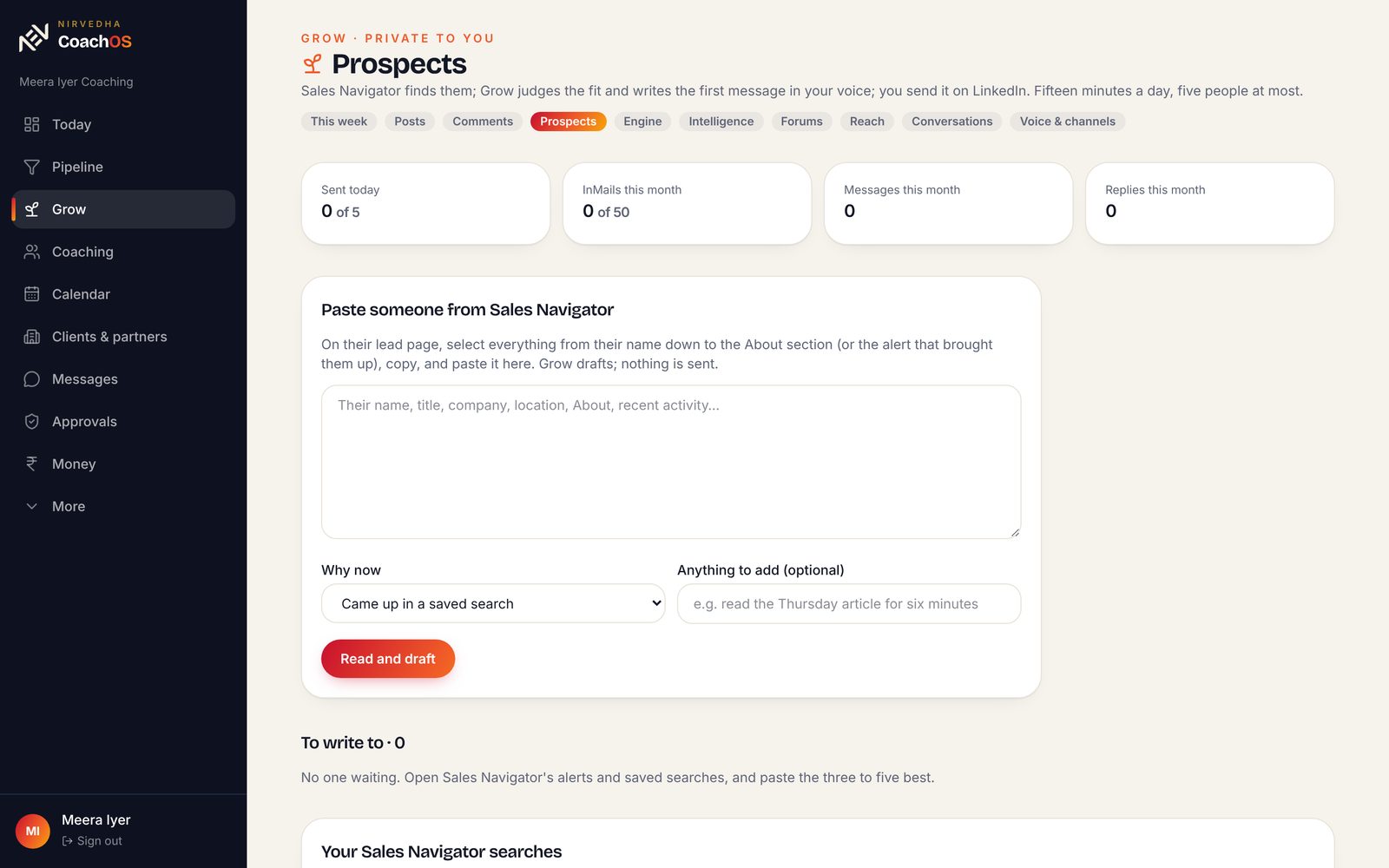
Paste a post you could comment on, or someone from Sales Navigator. Grow says whether it is worth your time and drafts the comment or the message in your voice. You post or send it yourself.
What it does
Comments and prospects
LinkedIn's terms forbid bots that comment, connect or message, so Grow automates none of it. It does the reading and the drafting; you do the posting and the sending.
Each draft is written from your own writing, checked against the things you never say, and checked against your recent comments so it does not repeat you.
In the Grow tier. A free trial includes it. What each tier costs
How it works
- 1Comment on someone's post. Paste the whole post. Grow judges whether the writer and their readers are worth your time, then drafts a short comment that adds something the writer did not cover, sometimes ending with one of your own resources.
- 2Reply on your own posts. Paste the comments on a post of yours, and Grow drafts a reply to each in your voice.
- 3Reach a prospect. Sales Navigator finds them; you paste their lead page. Grow reads the profile, judges the fit against your buyers and drafts the first message.
- 4The right route. A note with a connection request (LinkedIn allows 300 characters), an InMail, an introduction through a shared connection, or an email you send from your own mailbox.
- 5Follow-ups kept. Grow keeps the trail for each prospect and the follow-ups due.
More in Grow
Posts in your voice, a picture for each, comments and prospects, and what Google and AI answers say about you.